Prepaid-only products
Keep payment upfront for products that should always be paid for online.
Not every product needs a COD option. Take control with simple product tags and rules — without writing a line of code.
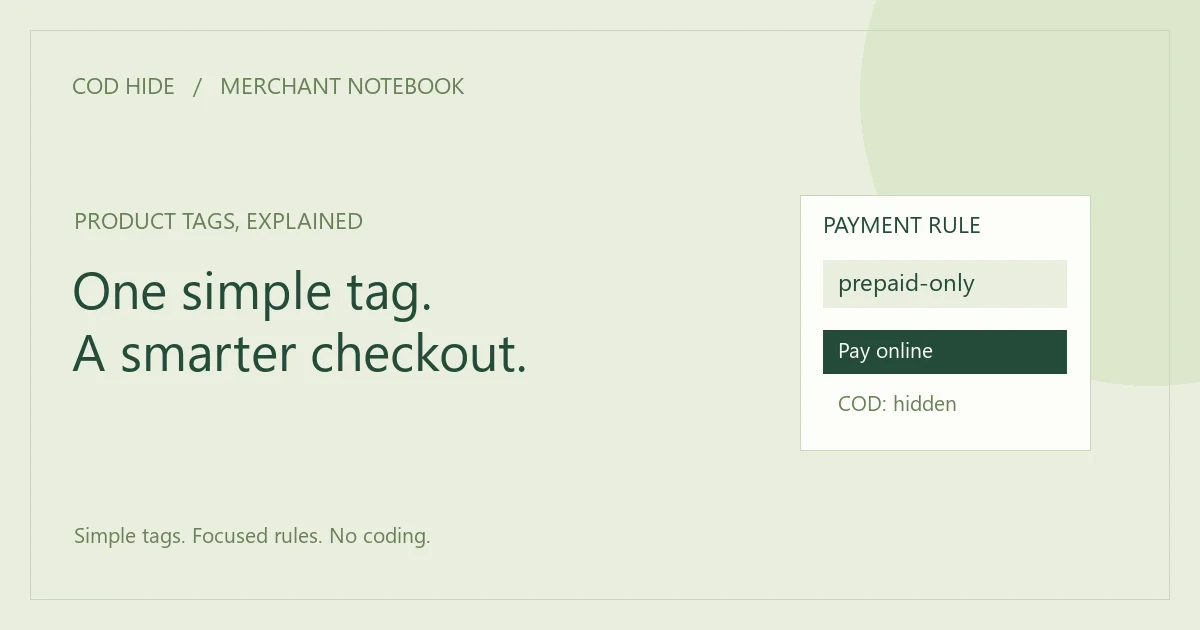
When a product has this tag, COD stays hidden.
Illustrative preview of a product-tag rule
Your catalog isn’t one-size-fits-all. Give each product the payment options that make sense for your business.
Keep payment upfront for products that should always be paid for online.
Choose prepaid payment for expensive items where COD isn’t a fit.
Set a clear payment policy before a personalized order goes into production.
Keep COD available for your general catalog, with exceptions where needed.
Restrict COD on selected products as part of your store’s payment policy.
Use product tags for items where your shipping policy calls for prepaid payment.
Less time configuring. More time running your store.
Add the app to your store from the official Shopify App Store.
Choose your blocked tags and apply them to the right products.
When a tagged product is in checkout, the selected COD method is hidden.
Everything centers on one job: helping you decide when Cash on Delivery should appear.
Use familiar Shopify product tags to define which products should hide COD. Manage one or more blocked tags in a single settings page.
Explore the features ↗Configure payment visibility without editing your theme or checkout code.
A focused merchant interface keeps your product rules easy to understand and maintain.
Try COD Hide on your store and see how a focused payment rule fits your workflow.
One focused app for your Shopify store.
COD Hide is a Shopify app that hides Cash on Delivery at checkout when a product has a blocked tag.
Install COD Hide, add your selected product tags to its blocked-tag settings, and apply those tags to the products that should not offer COD. Test your checkout after saving.
Yes. Product tags are the basis of COD Hide’s payment visibility rules. A matching tagged product in checkout triggers the rule.
No. You can configure blocked tags from the app settings without editing theme or checkout code.
COD Hide costs $5 per month in USD.
Yes. COD Hide offers a 7-day free trial through the Shopify App Store.
Shopify merchants who want selected products to be prepaid only, including stores selling high-value, custom or restricted products.
Open the official COD Hide listing on the Shopify App Store, choose Install, and follow Shopify’s installation steps for your store.
Turn a familiar product tag into a clear checkout rule, with naming and testing practices your team can follow.
Read moreA simple change. A checkout that works for your products.
$5 / month · 7-day free trial