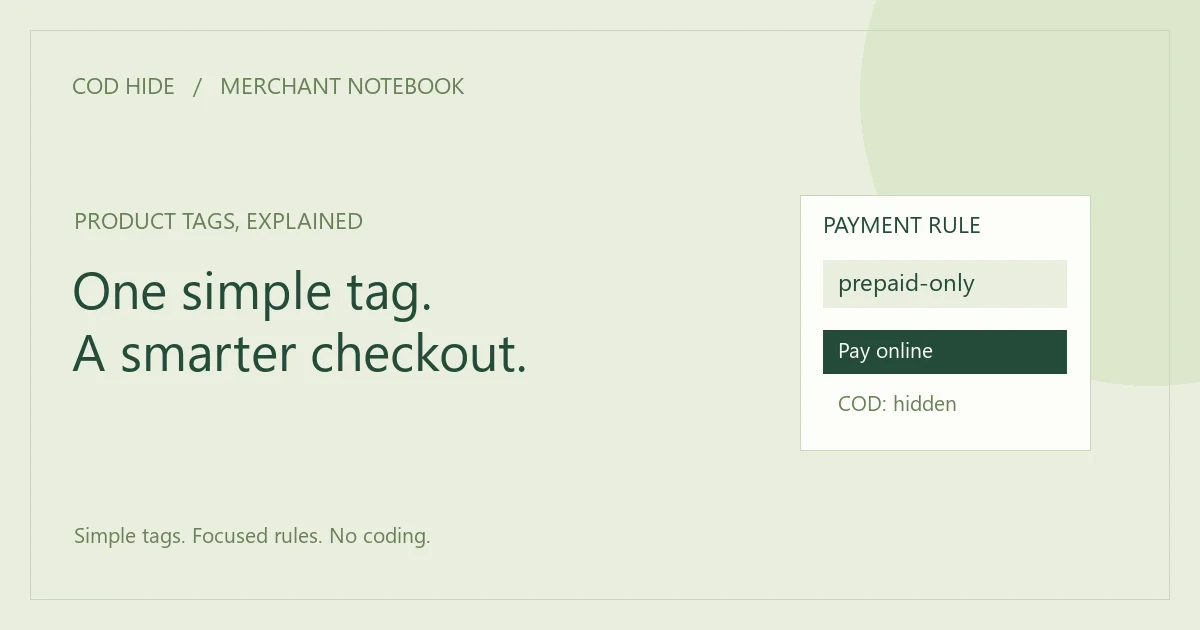
Product tags are useful because they keep a rule connected to the item it describes. For COD control, a tag can identify the products that should not offer payment on delivery. COD Hide reads the blocked-tag configuration and hides the selected payment method when a matching product is present in checkout.
Choose a tag your team can recognize
A name such as no-cod communicates the payment rule directly. A tag such as custom-order may also make sense if every product carrying it should follow the same COD restriction. Before choosing an existing tag, check whether it already applies to products you do not intend to restrict.
Keep spelling consistent
Use the same tag value in product records and the app settings. Do not rely on assumptions about capitalization, extra spaces or near-matching words. Copy the intended value carefully, then verify the behavior with a real checkout test.
Add the tag to your app settings
- Install COD Hide through the official Shopify App Store listing.
- Open the app’s blocked product-tag settings.
- Enter the tag or tags that should trigger the COD rule.
- Save the settings and confirm that the relevant products carry the tag.
You do not need to edit your theme or checkout code for this configuration. The app is focused on payment visibility based on the tags you select.
Understand what triggers the rule
The key condition is a matching tagged product being present at checkout. The restriction affects payment options for that checkout, including a mixed cart with other products. It is not a separate payment selector displayed independently for each line item.
Use a small test matrix
- Tagged item only: confirm COD is hidden.
- Untagged item only: confirm the intended ordinary behavior.
- Tagged and untagged items: confirm the tagged item triggers the restriction.
- Tag removed: repeat the test to confirm the product no longer triggers the tag rule.
Troubleshoot from the product outward
If the checkout does not match your expectation, first verify the product tag and the saved blocked-tag value. Then check the selected payment method and other store settings that affect payment availability. Write down the exact cart you tested so the scenario can be reproduced.
For support, share the store URL, relevant tag spelling and a description of what appeared at checkout. Do not send customer payment details or passwords. The contact form is available for questions.
Make tag maintenance part of catalog work
When a product is duplicated or imported, review whether the payment tag should carry over. When a product changes from custom-made to standard stock, revisit the underlying policy. Tags stay useful when their meaning stays clear.
Read our guide to maintaining COD rules for a team workflow. Then start your 7-day COD Hide trial and test a focused product-tag rule on your store.